
Download Your Kubernetes HPA Autoscaling Guide
Free Download
Get the ebook instantly. Review the outline, enter your work email, and open the download in one step.
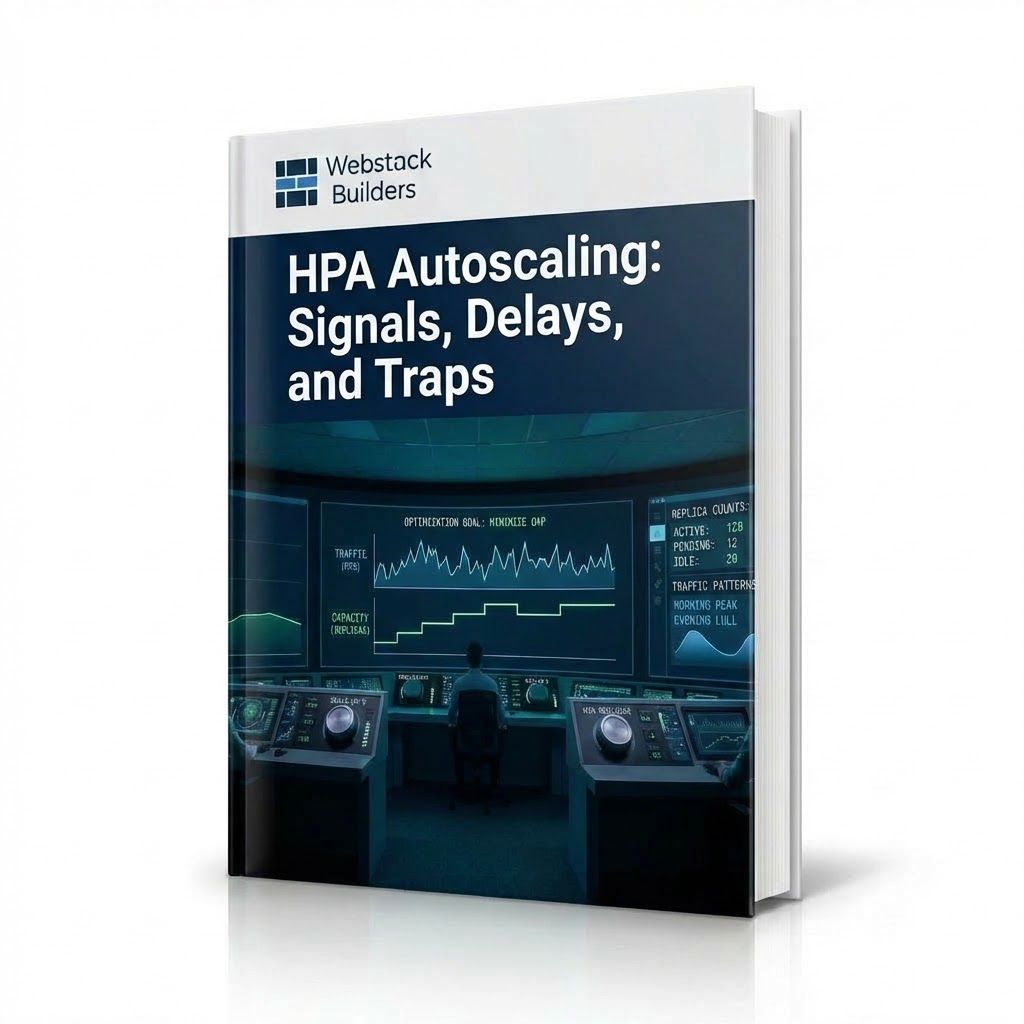
Get the e-book: Why Horizontal Pod Autoscaler often reacts too slowly and how to tune it for your traffic patterns.
- File type
- Whitepaper Download
- Pages
- 24 pages
- File size
- 2.3 MB
An e-commerce team configures HPA with 50% CPU target. During a flash sale, traffic spikes 10x in 30 seconds. HPA takes 15 seconds detecting load, 15 seconds for controller sync, then stabilization kicks in. Meanwhile, pods need scheduling, image pulls, and readiness probes. By the time capacity is ready—3+ minutes later — users have already left. HPA is reactive, not predictive. By the time it decides to scale, your workload is already stressed. Tuning HPA means minimizing reaction time while avoiding oscillation — a balance requiring understanding traffic patterns and configuring stabilization.
This complete guide teaches you how to tune HPA for your workload.
Read this e-book to understand:
- How HPA works: the 15-second loop, scaling formula, and why CPU targets need headroom
- The delay problem: metrics collection, controller sync, stabilization window, and pod startup together add 30-90 seconds
- Choosing metrics: CPU vs. custom metrics, why application-level signals often work better than resource metrics
- Stabilization windows and scaling policies: tuning up/down delays to prevent oscillation without sacrificing responsiveness
- Demand variability: how traffic patterns (steady, gradual, spiky) change tuning decisions
- Pre-scaling for known events: handling predictable spikes that HPA can't react to in time
- Testing and validation: verifying autoscaling behavior under realistic load patterns
Download Your Kubernetes HPA Autoscaling Guide now to tune autoscaling that responds fast without oscillating.
Instant Access
Get The Ebook
Fill out the form below to receive your whitepaper instantly.