
Download Your Kubernetes DNS Debugging Guide
Free Download
Get the ebook instantly. Review the outline, enter your work email, and open the download in one step.
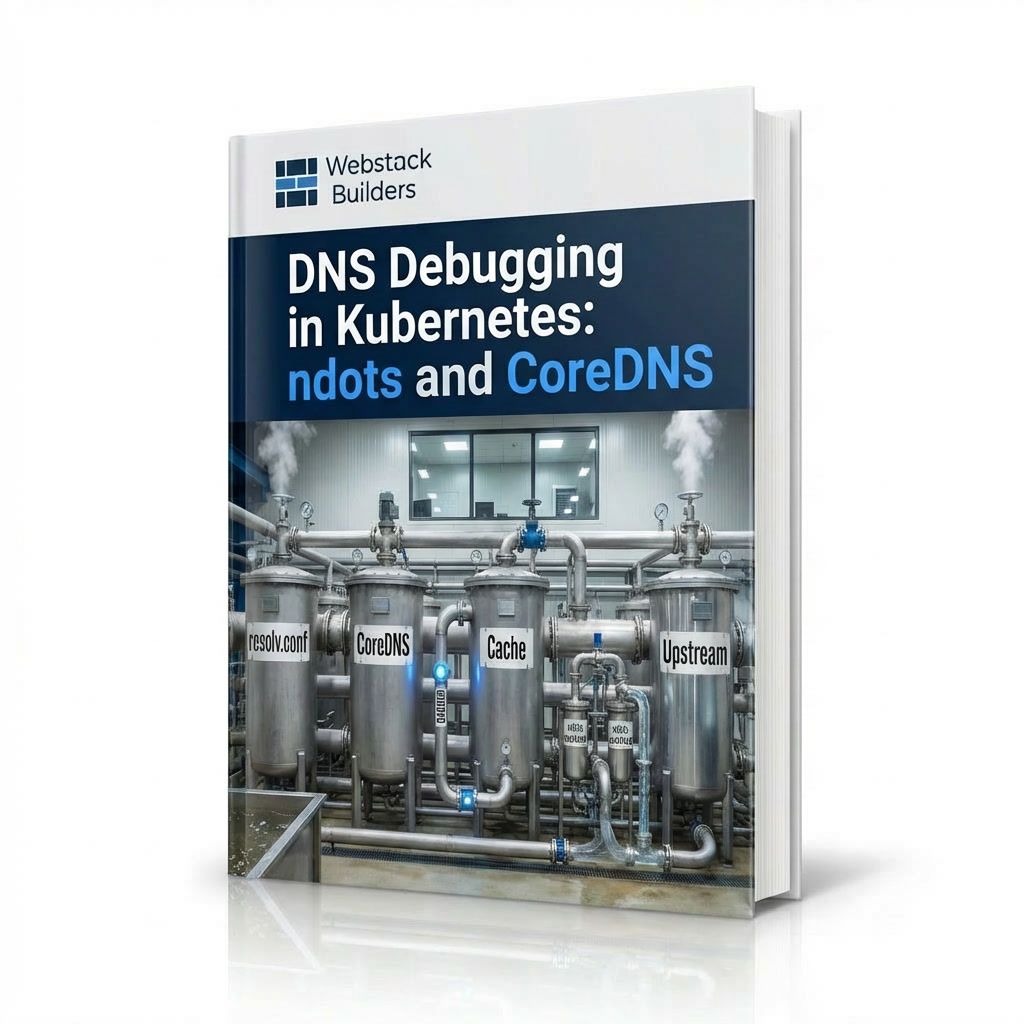
Get the e-book: Why DNS is always the problem, and how to diagnose ndots, search domains, and CoreDNS issues.
- File type
- Whitepaper Download
- Pages
- 24 pages
- File size
- 2.3 MB
An application works perfectly in development. In Kubernetes, external API calls take 5+ seconds while the API responds in 100ms. After hours debugging network policies and service meshes, the culprit is revealed: ndots:5 on a default resolv.conf. Every lookup like api.stripe.com tries the search domain first: api.stripe.com.default.svc.cluster.local, api.stripe.com.svc.cluster.local, api.stripe.com.cluster.local. Three failed lookups at one second each equals the mysterious latency. The fix: add a trailing dot. DNS is often the problem. Rule it out early to avoid hours of debugging in the wrong direction.
This complete guide teaches you how to debug Kubernetes DNS systematically.
Read this e-book to understand:
- DNS architecture: the layered system of resolv.conf, CoreDNS, and upstream servers
- The ndots problem: why external lookups fail multiple times before succeeding
- Search domains and FQDN appending: when search domains apply and how trailing dots bypass them
- CoreDNS troubleshooting: reading logs, checking cache, and identifying upstream resolution failures
- Service discovery: internal vs. external lookups and why service names resolve differently
- Common DNS problems: slow external API calls, cross-namespace communication failures, and tools for diagnosis
- Tuning and fixes: CoreDNS configuration, resolver timeouts, and testing solutions
Download Your Kubernetes DNS Debugging Guide now to eliminate mysterious latency caused by DNS misconfiguration.
Instant Access
Get The Ebook
Fill out the form below to receive your whitepaper instantly.